
# Task Management for Teams: How to Keep Owners, Context, and Deadlines in One Workspace
Task management for teams is not just about writing a list of things to do. Once more than one person is involved, every task needs context: who owns it, what the priority is, when it is due, what decisions have already been made, which comments matter, and how the work fits into the broader plan.
The problem is that many teams spread this context across separate tools. Tasks live in one app, conversations in another, notes in a document, deadlines in a calendar, and status updates in a spreadsheet or chat thread. That setup can work for a while, but it often creates extra follow-up and makes ownership harder to see.
Borative Workspace OS is designed to help teams organize execution in one focused workspace: tasks, subtasks, owners, priorities, due dates, comments, images, planning surfaces, chat, notes, notifications, team administration, and workspace activity history. It does not remove the need for human planning or team discipline, but it gives teams a clearer place to coordinate operational work.
If your team is trying to reduce scattered follow-up and make work easier to track, this guide explains how to structure team task management in a practical way.
What team task management needs beyond a simple to-do list
A personal to-do list can be lightweight. A team task system needs more structure because the work depends on coordination.
Strong team task management usually includes:
- **A clear owner** for each important task
- **Due dates** so timing is visible
- **Priorities** so the team understands what matters most
- **Statuses** so work can move from idea to execution
- **Subtasks** for breaking larger work into smaller steps
- **Comments and context** near the task itself
- **Planning views** for timeline and workload visibility
- **Notifications** so updates do not disappear
- **Activity history** so teams can review what changed
- **Workspace and team controls** so access matches the way the team works
Borative brings these elements into a workspace canvas where teams can capture work, discuss it, plan it, and track updates without constantly separating the task from the conversation around it.
Why scattered task management slows teams down
Teams often do not struggle because they lack effort. They struggle because operational context is fragmented.
A common workflow looks like this:
1. A task is mentioned in chat. 2. Someone writes a note in a document. 3. A deadline is added to a calendar. 4. A status update is posted in a different channel. 5. A manager asks who owns the task. 6. The team searches through messages to find the latest decision.
This creates unnecessary friction. It can also make accountability feel personal instead of operational, because ownership is not clearly recorded in the system.
A workspace-based approach helps by keeping the core execution layer together. In Borative, a task can include owners, due dates, priorities, subtasks, comments, images, and status. Team conversations, direct messages, mentions, reactions, notifications, and workspace activity can support the work without forcing every update into a separate tool.
A practical team task management workflow in Borative
Here is a simple way to structure team task management inside Borative Workspace OS.
1. Capture work as tasks, not loose messages
When work starts as a message only, it is easy to lose. A better habit is to convert work into a task as soon as it needs ownership, timing, or follow-up.
A useful task should answer:
- What needs to be done?
- Who owns it?
- When is it due?
- How important is it?
- What context does the owner need?
- What status is it currently in?
In Borative, teams can capture tasks and add details such as subtasks, priorities, due dates, owners, comments, images, and related context. This helps turn conversation into trackable execution.
2. Use owners to make accountability visible
A task without an owner often becomes a shared assumption. Everyone knows it matters, but no one is clearly responsible for moving it forward.
Assigning an owner does not mean the owner must do every part alone. It means one person is responsible for driving the task through the next step, asking for help, and keeping the status current.
For founders, operations teams, agencies, consultants, and remote teams, this is especially important because work often crosses roles. Owner visibility helps reduce ambiguity.
3. Break complex work into subtasks
Large tasks can hide complexity. If a task says “Launch new client onboarding flow,” the team may still need to define copy, review assets, update internal steps, prepare messages, and confirm ownership.
Subtasks make execution more concrete. They help teams identify what is actually required and reduce the chance that important steps remain informal.
In Borative, subtasks can sit inside the larger task context, keeping the detail close to the work instead of spreading it across separate notes or chat messages.
4. Add due dates and priorities carefully
Due dates should make timing visible, not turn every task into an emergency. Priorities should help the team decide what needs attention first.
A practical priority system might separate tasks into:
- Urgent work that needs immediate attention
- High-priority work tied to important team goals
- Normal operational work
- Low-priority items that can wait
Borative supports priorities and due dates so teams can make timing and importance visible in the workspace. The value comes from using them consistently and reviewing them regularly.
5. Move tasks through clear statuses
Statuses help teams understand where work stands without requiring constant status meetings.
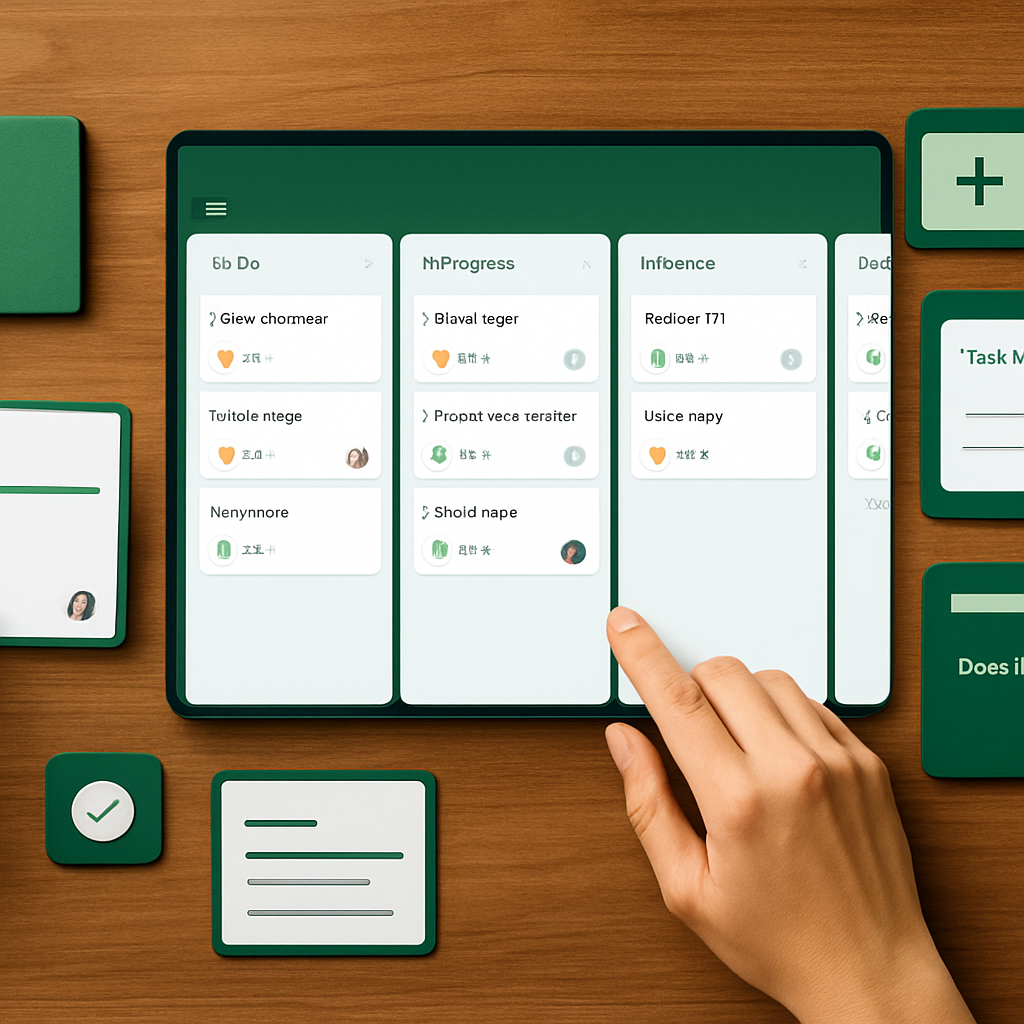
A simple workflow might include:
- Backlog
- Planned
- In progress
- Waiting
- Review
- Done
The exact labels can vary by team, but the principle is the same: each task should have a current state that reflects reality.
When statuses are kept up to date, team leads and project managers can scan work more quickly and decide where support is needed.
6. Keep comments and context attached to the task
One of the biggest causes of confusion in team work is when the decision lives somewhere else.
If the task is in one place but the discussion is in another, teammates have to reconstruct the history. That slows down execution and creates room for outdated assumptions.
Borative supports task comments so updates and discussion can stay near the work. Teams can also use chat, mentions, reactions, and notifications to coordinate around active work while keeping the task itself as the operational anchor.
7. Review planning and timelines regularly
Task management is not only about individual tasks. Teams also need to understand how work fits together over time.
Planning surfaces and timeline views can help answer questions like:
- What is due soon?
- Which work is blocked or waiting?
- What tasks belong to this week’s plan?
- What needs review before a deadline?
- Are owners clear across active work?
Borative includes visual planning surfaces, timeline planning, summary metrics, and operational dashboards designed to improve visibility into execution. These views can help teams discuss real work instead of relying only on memory or scattered status updates.
How task management connects with team collaboration
Task management and collaboration should not be treated as completely separate systems. Most tasks require communication, and most team communication eventually creates work.
Borative combines task organization with collaboration features such as:
- Shared workspaces
- Team scopes
- Direct messages
- Team chats
- Mentions
- Reactions
- Realtime notifications
- Presence
- Task comments
- Workspace activity history
This matters because the fastest way to lose momentum is to separate execution from discussion. A teammate may see a message but not know whether it became a task. Another person may update a task but forget to tell the team. A workspace approach helps close that gap.
For teams that want a deeper view into decision tracking and operational history, see the related guide: Workspace Audit Trails Made Practical: How to Track Decisions, Updates, and Ownership in Borative.
Suggested task structure for small teams
Small teams need enough structure to stay aligned, but not so much process that the system becomes difficult to maintain.
A simple Borative task structure might look like this:
**Task title:** Clear action, not a vague topic **Owner:** One person accountable for progress **Priority:** Urgent, high, normal, or low **Due date:** Date when follow-up or completion is expected **Status:** Current state of work **Subtasks:** Specific steps needed to complete the task **Comments:** Decisions, updates, blockers, and clarifications **Attachments or images:** Supporting context when useful
Example:
**Task:** Prepare client handoff checklist **Owner:** Operations lead **Priority:** High **Due date:** Friday **Status:** In progress **Subtasks:** Draft checklist, review with project manager, add missing assets, confirm next owner **Comments:** Include decisions from the latest client call and any open questions
This structure gives the team enough information to move without needing to search through multiple systems.
Where notes and add-ons fit into task management
Not every piece of context belongs inside a task title or comment. Sometimes teams need supporting notes, calculations, translations, calendar or timeline utilities, or other productivity modules.
Borative includes an add-on system that can extend the workspace with practical utilities such as Easy note, calculators, translators, calendar or timeline tools, and other productivity modules beside the core canvas. Availability may depend on plan gates or add-on access, so teams should review their workspace plan and settings.
The important point is that supporting context should stay close to the work. Notes and utilities are most helpful when they reduce switching and help the team make decisions faster inside the operational workspace.
Governance basics: access, roles, and activity history
Team task management also needs basic operational control. If everyone can see or change everything without structure, the workspace can become messy. If access is too restricted, collaboration slows down.
Borative is designed with authenticated accounts, workspace membership, team membership, owner and admin roles, join requests, access codes, role checks, storage boundaries, profile controls, audit-oriented activity records, and account verification surfaces.
These controls can help teams manage who belongs in a workspace, who administers it, and how activity is recorded. They should be understood as practical workspace governance features, not as a promise of formal legal, regulatory, or enterprise compliance certification.
Common mistakes in team task management
Mistake 1: Creating tasks without owners
If no one owns the task, the team may assume someone else is handling it. Assign an owner as soon as a task needs follow-up.
Mistake 2: Using chat as the task system
Chat is useful for discussion, but it is not enough for tracking ownership, status, and deadlines. Convert important work into tasks.
Mistake 3: Adding due dates to everything
If every task is urgent, nothing is. Use due dates where timing matters and review them regularly.
Mistake 4: Hiding decisions in comments that no one reviews
Comments are useful when they stay connected to active work. Teams should summarize important decisions and keep statuses updated.
Mistake 5: Overbuilding the workflow
A small team usually does not need a complex process. Start with owners, due dates, priorities, statuses, comments, and regular review.
A weekly review checklist for better execution
Use this checklist to keep team task management clean:
- Are all active tasks assigned to an owner?
- Are high-priority tasks still high priority?
- Are due dates realistic and current?
- Are blocked tasks clearly marked or commented on?
- Are completed tasks moved to the correct status?
- Are important decisions captured near the related work?
- Are upcoming timeline items visible to the team?
- Are workspace members and roles still accurate?
A short weekly review can prevent the workspace from becoming outdated. The goal is not perfect administration. The goal is a shared operating picture the team can trust.
When a Workspace OS is a better fit than a standalone task app
A standalone task app can be enough for individuals or simple lists. A Workspace OS becomes more useful when the team needs tasks plus communication, planning, notes, activity history, workspace controls, and operational visibility in one place.
Borative is a fit for teams that want to:
- Keep task context close to execution
- Coordinate owners, due dates, priorities, and statuses
- Reduce unnecessary tool switching
- Connect planning with day-to-day work
- Use chat, comments, mentions, and notifications around active work
- Manage shared workspaces and team scopes
- Review workspace activity and operational updates
- Extend the workspace with practical add-ons where available
It is especially relevant for small teams, founders, operations teams, project managers, consultants, agencies, team leads, and remote teams that need a focused way to organize work without scattering context across too many tools.
FAQ: Task management for teams in Borative
What is task management for teams?
Task management for teams is the process of capturing, assigning, prioritizing, scheduling, discussing, and tracking work across multiple people. It usually includes owners, statuses, due dates, comments, and review habits.
How does Borative help with team task management?
Borative helps teams organize tasks with owners, subtasks, priorities, due dates, comments, images, statuses, planning surfaces, notifications, team scopes, chat, notes, and workspace activity history in one operational workspace.
Can Borative replace every tool my team uses?
Borative is designed to reduce scattered operational context by bringing tasks, planning, chat, notes, and workspace controls closer together. It should not be described as replacing every possible tool, especially specialized legal, accounting, HR, compliance, or external integration workflows.
Is Borative only for project managers?
No. Borative is useful for project managers, but it is also designed for founders, small teams, operations teams, consultants, agencies, remote teams, and team leads who need clearer execution and shared visibility.
Does Borative automate all team work?
No. Borative provides workspace structure, task organization, collaboration features, activity history, and add-on surfaces. Teams still need to define responsibilities, review priorities, and maintain their workflows.
Are all Borative add-ons included in every plan?
Add-on availability may depend on plan gates, subscriptions, seat management, or workspace access settings. Teams should check their current plan and account controls for available add-ons.
Start building a clearer task workspace
If your team is managing work across too many messages, notes, spreadsheets, and task lists, a shared workspace can make execution easier to see and maintain.
Borative Workspace OS gives teams a focused place to organize tasks, owners, statuses, deadlines, comments, chat, notes, planning, and operational controls.
Start free in Borative or create a workspace to see how your team’s work looks when the context stays closer to execution.
Internal-link suggestions
- Link from future task-management articles to this guide using the anchor “task management for teams.”
- Link from this guide to audit and governance content when discussing activity history and ownership.
- Link from workspace OS overview content to this article when explaining how Borative supports day-to-day execution.
Run the work where the context lives
Borative brings tasks, teams, chat, notes, add-ons, timeline planning, audit, and workspace controls into one operational canvas.
Start free