
# Team Accountability Software: How Small Teams Keep Owners, Status, Context, and Follow-Up Clear
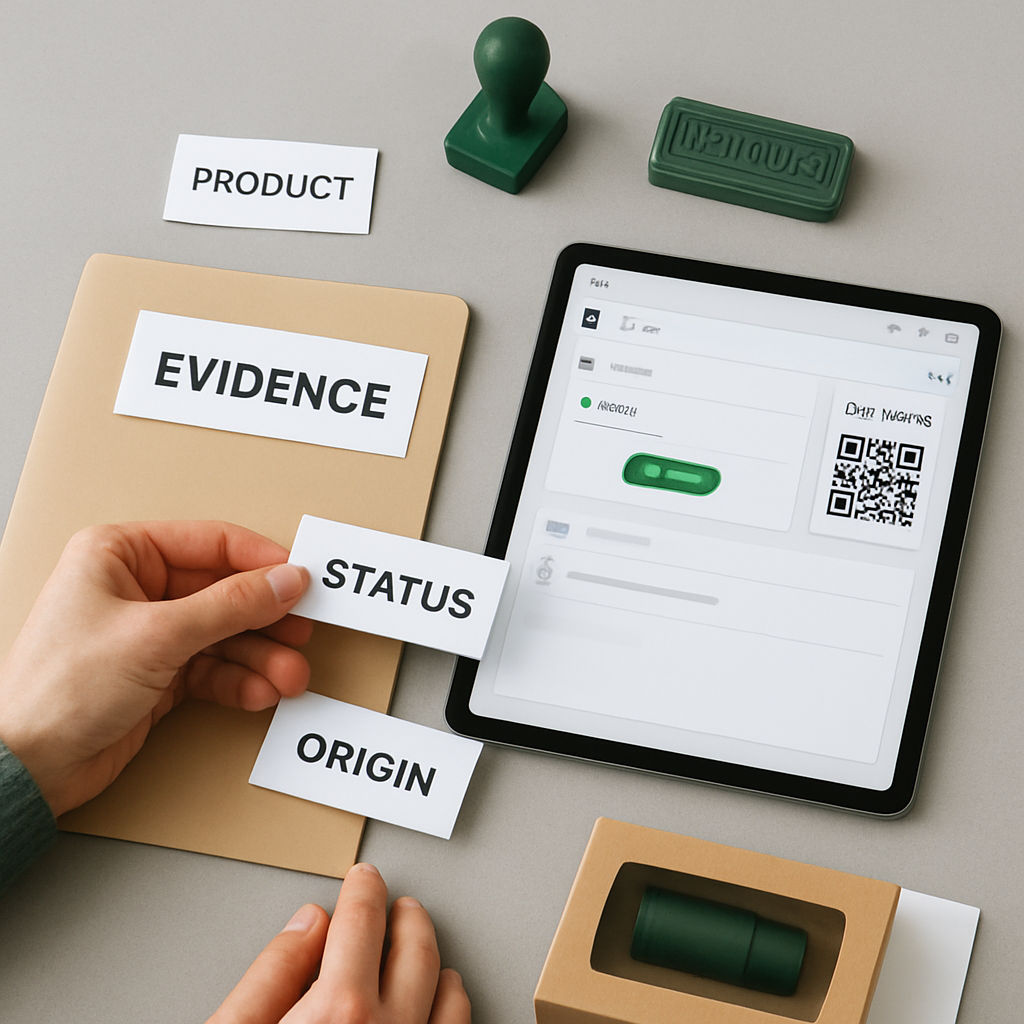
Team accountability software helps a team answer simple but important questions: who owns this, what is the current status, what changed, what is due next, and where is the context?
For small teams, founders, agencies, consultants, operations teams, and remote teams, accountability often breaks down not because people are careless, but because work is scattered. A task may live in one tool, the decision in chat, the deadline in a calendar, the notes in a document, and the latest update in someone’s memory.
Borative Workspace OS is designed to bring those operational signals closer together. It gives teams a shared place for tasks, owners, due dates, priorities, comments, images, planning surfaces, chat, notes, workspace activity history, roles, and controls.
If your team is trying to reduce tool switching and make execution easier to inspect, Start free in Borative.
What is team accountability software?
Team accountability software is a workspace that helps teams organize work around ownership, visibility, and follow-up.
At a practical level, it should help teams manage:
- Tasks and subtasks
- Owners and responsible people
- Due dates and priorities
- Statuses and execution stages
- Comments, notes, files, and context
- Team communication around work
- Activity history and operational records
- Workspace membership and role-based controls
The goal is not to monitor people for the sake of monitoring. The goal is to make work easier to coordinate, review, and move forward.
Good accountability systems make responsibilities visible without requiring constant status meetings or manual chasing.
Why small teams need clearer accountability
Small teams move quickly, but that speed can create operational gaps.
A founder may assign work in chat. A project manager may track deadlines in a spreadsheet. A designer may share updates in direct messages. A consultant may keep client notes in a separate document. An operations lead may need to know what changed, but the answer is spread across several places.
This creates common problems:
- No clear owner for a task
- Multiple versions of the same plan
- Follow-up buried in chat threads
- Deadlines missed because they were not visible
- Decisions made without a durable record
- Managers asking for updates that already exist somewhere
- Remote teammates lacking shared context
Team accountability software helps by giving work a consistent structure: owner, status, timeline, discussion, and history.
For a broader view of the operating model, see Team Operations Software for Small Teams: How to Coordinate Work, Context, and Accountability.
The core building blocks of accountability
Accountability is easier when the workspace supports a few core habits.
1. Every task needs an owner
A task without an owner is easy to ignore. In Borative, teams can capture work as tasks and assign ownership so responsibility is visible.
Ownership does not mean one person must do everything alone. It means there is a clear person responsible for moving the item forward, updating status, or coordinating the next step.
Useful owner-based habits include:
- Assign one primary owner per task
- Use comments for coordination instead of private side conversations
- Review unassigned tasks regularly
- Make ownership changes visible when work shifts
2. Every task needs a clear status
Status helps a team understand what is happening without asking every person for a manual update.
A practical status system can show whether work is new, active, blocked, under review, or complete. Borative supports moving execution through clear statuses and visual planning surfaces, helping teams understand where work stands.
Status is especially helpful when:
- Multiple people depend on one task
- Work is moving across stages
- Team leads need a quick operational view
- Remote teammates work asynchronously
3. Every important item needs context
Accountability becomes weak when tasks are disconnected from the information needed to complete them.
A task title like “Update proposal” is not enough. The team may also need:
- Background notes
- Client or internal requirements
- Images or supporting material
- Comments and decisions
- Subtasks
- Priority and deadline
- Related team discussion
Borative helps users add subtasks, priorities, due dates, owners, comments, images, and context to work items so execution is not separated from the information that supports it.
4. Every deadline should be visible
Due dates make planning easier. They help teams see what is urgent, what is waiting, and what needs attention.
For accountability, deadlines should not only live in a private calendar or a message. They should be attached to the work itself.
This makes it easier to answer:
- What is due this week?
- Which tasks are at risk?
- Who owns the next action?
- What needs to be moved or reprioritized?
5. Every change should leave useful history
Teams often need to know what changed, when it changed, and who was involved. This is where activity history and audit-oriented records become useful.
Borative includes workspace activity history and audit-oriented activity records designed to support operational visibility. This can help teams review updates, ownership changes, comments, and workspace activity in a more structured way.
This should not be confused with formal compliance certification or legal recordkeeping. For small teams, the practical value is operational: fewer lost decisions, clearer handoffs, and better review of what happened.
How Borative supports team accountability
Borative Workspace OS combines task management, collaboration, planning, chat, notes, workspace controls, and add-ons in one focused product.
For accountability workflows, teams can use Borative to support:
- Task creation with owners, priorities, due dates, and subtasks
- Comments and task context close to the work
- Images and supporting information attached to tasks
- Status-based execution tracking
- Timeline planning and visual planning surfaces
- Direct messages and team chats
- Mentions, reactions, notifications, and presence
- Personal and shared workspaces
- Team scopes, membership, join requests, and access codes
- Owner and admin roles
- Workspace activity history and operational records
- Summary metrics and operational dashboards
- Notes and productivity add-ons, depending on plan access
The practical advantage is that teams can keep more of their operational context in one workspace instead of spreading it across separate task tools, chat tools, notes tools, and spreadsheet trackers.
A simple accountability workflow for small teams
Here is a practical workflow a small team can use in Borative or any structured workspace.
Step 1: Capture work as tasks
Do not leave important requests only in chat. Convert work into tasks with a clear title, owner, priority, due date, and status.
A useful task should explain:
- What needs to happen
- Who owns the next step
- When it is due
- What context is required
- How progress will be tracked
Step 2: Add subtasks for execution clarity
Large tasks become easier to manage when broken into subtasks.
For example, “Launch landing page” may include:
- Draft page copy
- Review product screenshots
- Prepare pricing section
- QA mobile layout
- Publish page
- Share launch update with the team
Subtasks make responsibility and progress easier to inspect.
Step 3: Keep comments close to the task
When people discuss work in disconnected chat threads, the next person has to search for context.
Task comments help keep discussion attached to the item being executed. This makes handoffs easier and gives team leads a better view of decisions and blockers.
Step 4: Use statuses consistently
A status system only works if the team uses it consistently.
Define what each status means. For example:
- New: captured but not started
- In progress: actively being worked on
- Blocked: waiting on input or dependency
- Review: ready for feedback
- Done: completed or closed
The exact labels matter less than shared understanding.
Step 5: Review activity and dashboards regularly
Accountability improves when review becomes a habit.
Teams can use workspace activity history, summary metrics, and operational dashboards to inspect what changed, where work is moving, and which areas need attention.
This can support weekly planning, daily check-ins, project reviews, and remote team coordination.
For distributed teams, this is especially useful. You can also read Remote Team Workspace: How to Coordinate Tasks, Chat, Notes, and Accountability Across Distributed Teams.
What to look for in team accountability software
When comparing tools, look beyond a basic task list. Accountability depends on the way the system connects people, context, and controls.
Owner and role clarity
The workspace should make it clear who owns tasks and who can manage the workspace. Borative supports workspace membership, team membership, owner and admin roles, join requests, and access codes.
Task context
Tasks should include more than a title. Look for subtasks, comments, priorities, due dates, owners, images, and supporting context.
Communication near execution
Chat and direct messages are helpful, but they should not permanently separate discussion from work. A workspace that includes comments, mentions, team chats, and notifications can reduce the need to chase updates elsewhere.
Activity history
Teams should be able to review useful operational history. This helps with handoffs, planning, and understanding how work changed over time.
Planning visibility
Timeline planning and visual planning surfaces help teams connect task-level execution to broader priorities.
Workspace controls
Small teams still need practical controls. Membership, role checks, profile controls, and account verification surfaces can help teams manage access more intentionally.
Add-on flexibility
Some teams need notes, calculators, translators, calendar or timeline tools, or other productivity modules next to their core work. Borative’s add-on system can extend the workspace with practical utilities, with availability depending on plan access and gates.
Common accountability mistakes to avoid
Even strong software cannot replace good operating habits. Avoid these common mistakes:
Mistake 1: Assigning work without context
If the owner does not understand the expected outcome, the task may stall. Add requirements, examples, comments, and supporting materials.
Mistake 2: Using chat as the only system of record
Chat is useful for quick coordination, but important decisions and tasks should be captured in a more durable workspace.
Mistake 3: Creating too many statuses
A complicated status system can slow the team down. Start with a simple flow and add complexity only when it helps.
Mistake 4: Reviewing work only when something is late
Accountability should be proactive. Use regular planning and review rituals to catch blockers early.
Mistake 5: Treating accountability as surveillance
The best accountability systems help people do better work together. They clarify expectations, reduce ambiguity, and make coordination easier.
Example: accountability workflow for an agency team
Imagine a small agency managing client deliverables.
Without a shared workspace, the team may have:
- Client notes in documents
- Tasks in a project tool
- Feedback in chat
- Deadlines in calendars
- Approval history in email
In Borative, the agency can create a shared workspace for execution:
1. Create tasks for each deliverable. 2. Assign owners and due dates. 3. Add subtasks for drafting, review, edits, and delivery. 4. Keep comments and images attached to the task. 5. Use team chat and mentions for coordination. 6. Track progress through statuses. 7. Review workspace activity and summary metrics during planning.
This does not guarantee a perfect project outcome, but it gives the team a clearer operating structure.
Example: accountability workflow for a founder-led team
Founder-led teams often move fast and change priorities quickly. That makes visibility important.
A founder can use Borative to:
- Capture new ideas as tasks
- Assign owners for next steps
- Prioritize urgent work
- Add due dates for time-sensitive items
- Use comments to explain decisions
- Keep notes close to execution
- Review activity before team check-ins
Instead of asking “Where are we on this?” across multiple channels, the team can review the workspace and focus the conversation on blockers and decisions.
FAQ
What is the best team accountability software for small teams?
The best option depends on how your team works. Small teams usually benefit from software that combines tasks, owners, due dates, comments, status tracking, planning, communication, and activity history in one workspace. Borative Workspace OS is designed for teams that want those operational pieces closer together.
How does team accountability software improve visibility?
It can help by making owners, statuses, deadlines, comments, and activity history easier to inspect. Instead of searching across chat, notes, spreadsheets, and separate task tools, teams can review work in a shared workspace.
Is accountability software the same as project management software?
There is overlap, but the focus is different. Project management software often emphasizes project plans and delivery. Team accountability software emphasizes ownership, follow-up, context, visibility, and operational records across everyday work.
Can Borative be used by remote teams?
Yes. Borative supports shared workspaces, team scopes, direct messages, team chats, mentions, reactions, realtime notifications, presence, task comments, and planning surfaces that can help distributed teams coordinate work.
Does Borative replace legal, HR, accounting, or formal compliance systems?
No. Borative is an operational workspace. It can help teams organize work, context, activity history, and workspace controls, but it should not be treated as a replacement for legal, accounting, HR, or formal compliance systems.
Are all Borative add-ons included in every plan?
Add-on availability can depend on plan access and gates. Borative’s add-on system is designed to extend the workspace with practical utilities, but teams should review plan access for the modules they need.
Build a clearer accountability system in Borative
Team accountability becomes easier when owners, statuses, deadlines, comments, planning, chat, notes, and activity history are not scattered across too many tools.
Borative Workspace OS gives small teams a focused operational canvas for coordinating execution and keeping context close to work.
If your team wants a more organized way to manage ownership and follow-up, Start free in Borative or create your workspace today.
Internal link suggestions
Run the work where the context lives
Borative brings tasks, teams, chat, notes, add-ons, timeline planning, audit, and workspace controls into one operational canvas.
Start free