

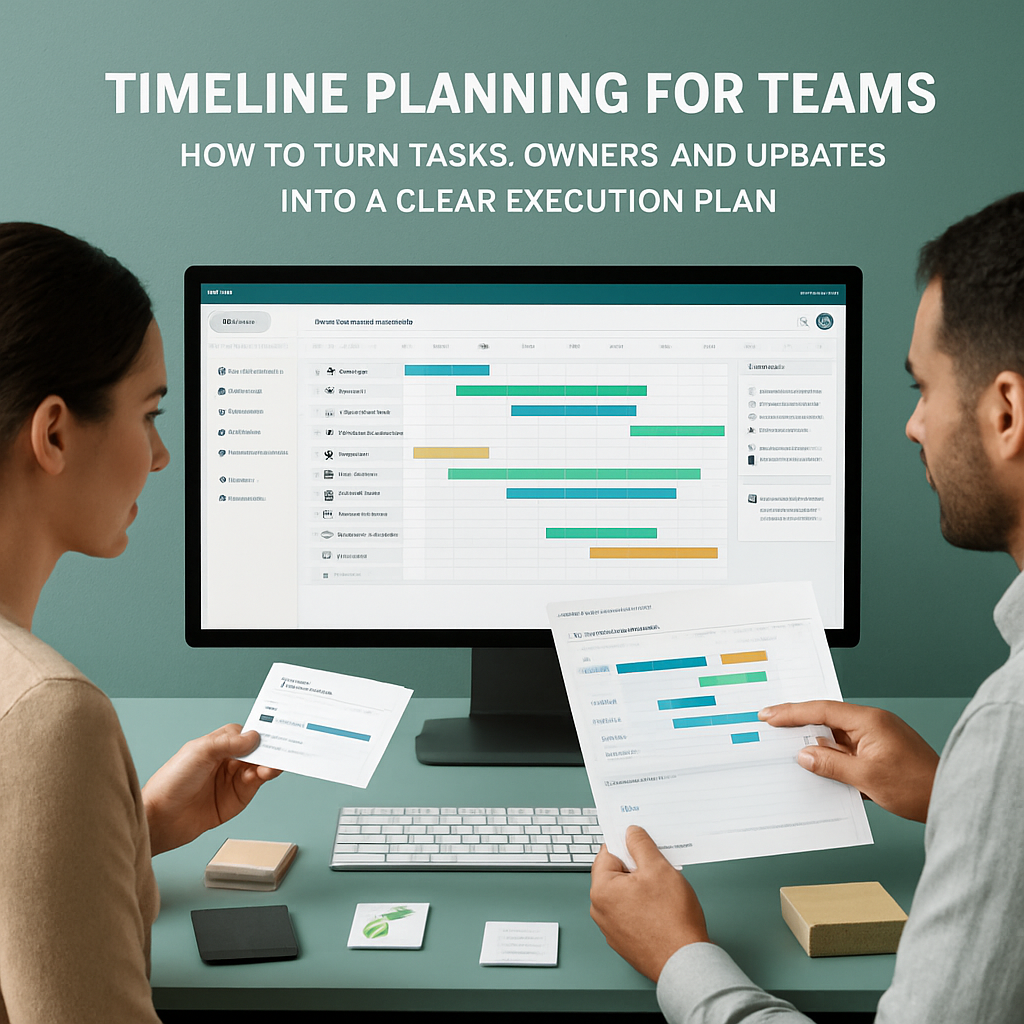
# Timeline Planning for Teams: How to Turn Tasks, Owners, and Updates into a Clear Execution Plan
Timeline planning for teams is not just about placing work on a calendar. It is about connecting the work that needs to happen, the people responsible for it, the decisions made along the way, and the updates that show whether execution is moving forward.
For many small teams, agencies, consultants, founders, and operations teams, planning breaks down because the timeline lives in one place, tasks live somewhere else, chat happens in another tool, and key decisions disappear into scattered messages. The result is familiar: people know there is a plan, but they are not always sure what changed, who owns the next step, or which work is blocked.
Borative Workspace OS is designed to bring planning closer to execution. Teams can organize tasks, owners, priorities, due dates, comments, statuses, chat, notes, workspace activity, and operational controls in one focused workspace canvas.
If your team wants a practical way to plan timelines without separating planning from daily execution, this guide explains what to look for and how Borative can support the workflow.
What is timeline planning for teams?
Timeline planning for teams is the process of mapping work across time while keeping responsibility, context, and progress visible. A useful team timeline answers questions such as:
- What needs to be done?
- Who owns each piece of work?
- What is due soon?
- Which tasks are still open, in progress, blocked, or complete?
- What changed since the last review?
- Where are the comments, files, notes, or decisions related to the work?
- Which team or workspace members need to be involved?
A timeline should not be an isolated diagram that becomes outdated after the first change. It should stay connected to the operational details that teams use every day.
That is where a workspace-based planning approach helps. Instead of treating planning as a separate artifact, teams can build timelines from the same tasks, owners, updates, and activity history they use to execute the work.
Why team planning often becomes hard to manage
Planning usually does not fail because teams lack effort. It often fails because the context is fragmented.
Common problems include:
- Tasks are tracked in one app while conversations happen elsewhere.
- Deadlines are written in a spreadsheet but not tied to ownership.
- Updates are shared in chat but not reflected in the work plan.
- Notes and decisions are difficult to find later.
- Team leads need to ask for status repeatedly.
- Workspaces grow without clear roles, membership controls, or activity visibility.
- Personal tasks and shared team execution become mixed without structure.
When this happens, teams may spend more time reconstructing the plan than moving the plan forward. Timeline planning becomes much more useful when every task has enough operational context attached to it.
The building blocks of a practical team timeline
A strong team timeline does not need to be complex. It needs to be clear, current, and connected to execution.
1. Tasks with clear owners
Every meaningful work item should have an owner. Without ownership, a timeline becomes a wish list.
In Borative, teams can capture work as tasks and add owners, subtasks, priorities, due dates, comments, images, and additional context. This helps reduce ambiguity around who is responsible for moving each item forward.
For a deeper look at this part of the workflow, read Task Management for Teams: How to Keep Owners, Context, and Deadlines in One Workspace.
2. Due dates that are visible in the workflow
A due date is only useful if the team can see it in relation to the rest of the work. When deadlines are hidden in messages or separate spreadsheets, people may not notice conflicts until late.
A workspace timeline should help teams see what is coming next, what is overdue, and which tasks need attention. Borative supports due dates and planning surfaces so teams can connect timing with execution instead of managing dates separately.
3. Statuses that show progress
A timeline should not only show when work is planned. It should also show where work stands.
Clear statuses help teams understand whether a task is new, active, waiting, blocked, or complete. This gives team leads and contributors a shared language for progress.
Borative helps teams move execution through clear statuses so the plan can reflect real work rather than static assumptions.
4. Comments and updates close to the task
When updates live only in chat, they can be hard to recover later. When comments are attached to the task, the team can understand why something changed, what was discussed, and what the next step should be.
Borative supports task comments, mentions, reactions, realtime notifications, direct messages, and team chats. This keeps communication close to the work without forcing every update into a separate communication tool.
5. Workspace activity history
Planning is not only about the future. Teams also need a record of what happened.
Workspace activity history and audit-oriented records can help teams review updates, ownership changes, and operational activity. This is especially useful when projects involve multiple contributors, shared workspaces, or handoffs.
To explore this topic further, see Workspace Audit Trails Made Practical: How to Track Decisions, Updates, and Ownership in Borative.
How Borative supports timeline planning for teams
Borative Workspace OS brings together several layers that are commonly split across different tools.
Teams can use Borative to organize:
- Tasks and subtasks
- Owners and priorities
- Due dates and statuses
- Timeline planning surfaces
- Comments, images, and task context
- Team chats and direct messages
- Mentions, reactions, presence, and realtime notifications
- Notes and add-ons, depending on workspace access and plan gates
- Team administration, roles, join requests, and access codes
- Workspace activity history and operational dashboards
This makes Borative useful for teams that want planning, coordination, and follow-up to happen in the same workspace.
The goal is not to remove the need for human planning or judgment. The goal is to give teams a clearer operating surface where work, communication, and accountability are easier to connect.
A simple timeline planning workflow in Borative
Here is a practical workflow your team can use when organizing a project, launch, client engagement, internal process, or operational sprint.
Step 1: Create or open the right workspace
Start by choosing whether the work belongs in a personal workspace, shared workspace, or team scope. This helps separate individual tasks from collaborative execution.
For shared work, make sure the right people have access and that owner or admin roles are clear. Borative supports workspace membership, team membership, role checks, join requests, and access codes, which can help teams manage participation more deliberately.
Step 2: Capture the work as tasks
Break the plan into tasks that are specific enough to assign and track. Avoid vague tasks like “launch campaign” if the work actually requires multiple owners and steps.
A better task structure may include:
- Draft campaign brief
- Review creative assets
- Prepare landing page copy
- Confirm launch checklist
- Schedule launch announcement
- Review post-launch metrics
In Borative, you can add subtasks, owners, priorities, due dates, comments, images, and context to keep each work item actionable.
Step 3: Assign owners and due dates
Every task should have a clear owner and a realistic due date. If multiple people contribute, choose one person responsible for moving the task forward.
This does not mean one person does all the work. It means the team knows who is accountable for the next update.
Step 4: Use statuses to make progress visible
Move tasks through statuses as work changes. This helps the timeline stay current without requiring a separate status report every time something moves.
For example, your team may use statuses to reflect:
- Not started
- In progress
- Waiting for review
- Blocked
- Done
The exact labels may vary by workflow, but the purpose is the same: make progress visible at a glance.
Step 5: Keep comments and decisions attached to the work
When a decision affects a task, add the context where the task lives. This helps future readers understand what changed and why.
For example:
- “Moved deadline to Friday because review assets were delayed.”
- “Client approved version B in today’s call.”
- “Blocked until finance confirms budget.”
- “Replacing this owner while Ana is out.”
This kind of lightweight documentation can make handoffs and reviews much easier.
Step 6: Review the timeline regularly
A timeline is most useful when it is reviewed consistently. Depending on your team, that may mean a daily check-in, weekly planning session, or milestone review.
During the review, ask:
- Which tasks changed status?
- Which deadlines are at risk?
- Which tasks are blocked?
- Which owners need help?
- Which decisions should be documented?
- Which work can be closed?
Borative’s workspace activity history, task context, notifications, and dashboards can support these reviews by making recent updates easier to inspect.
Timeline planning use cases for different teams
Founders and small teams
Founders often need to coordinate product, operations, customer follow-up, marketing, and admin work with limited time. A shared timeline can help keep priorities visible without creating a heavy project management process.
Borative can help small teams connect tasks, notes, chats, owners, and planning in one workspace so execution is easier to review.
Agencies and consultants
Agencies and consultants often manage client deliverables, approvals, deadlines, and internal handoffs. A timeline can help clarify what is due, who owns the next action, and what has already been discussed.
With shared workspaces, team scopes, task comments, activity history, and role-based participation, Borative can support more organized client or project operations.
Operations teams
Operations teams need visibility into recurring processes, deadlines, ownership, and exceptions. Timeline planning can help them coordinate work that spans people and functions.
Borative’s operational dashboards, summary metrics, task statuses, and workspace activity records can help teams review what is moving and what needs attention.
Remote teams
Remote teams need extra clarity because work happens across time zones and communication windows. A workspace timeline helps reduce dependency on live meetings by making ownership, status, and context easier to find asynchronously.
Borative supports direct messages, team chats, mentions, reactions, presence, notifications, and task comments, which can help remote contributors stay aligned around shared work.
What to avoid when building a team timeline
A timeline should make execution clearer, not heavier. Avoid these common mistakes:
Too many tasks without ownership
A long list of tasks is not a plan if nobody owns the next step. Assign owners whenever possible.
Dates without context
A due date does not explain what needs to happen. Attach comments, notes, images, or task details so the team can act without searching elsewhere.
Statuses that are not updated
If statuses are outdated, the timeline becomes unreliable. Make status updates part of the team’s normal workflow.
Decisions trapped in chat
Chat is useful for fast communication, but important decisions should also be connected to the related task or workspace activity where people can find them later.
Planning that ignores access and roles
If everyone can see everything or nobody knows who administers the workspace, team operations can become messy. Use workspace membership, team scopes, owner/admin roles, and access controls intentionally.
How to choose a timeline planning tool for your team
When comparing timeline planning tools, look beyond visual layout. The best fit depends on how your team actually works.
Consider whether the tool helps you:
- Assign owners and due dates clearly
- Break work into tasks and subtasks
- Track progress with statuses
- Keep comments and context attached to work
- Communicate with the team without losing operational context
- Review activity history and changes
- Manage workspace access and roles
- Support personal and shared workspaces
- Extend workflows with useful add-ons when available for your plan
Borative is a strong option for teams that want a focused workspace for tasks, planning, chat, notes, controls, and operational visibility in one product.
FAQ: Timeline planning for teams
What is the difference between a timeline and a task list?
A task list shows what needs to be done. A timeline adds the dimension of time, helping the team understand when work should happen, what is coming next, and where deadlines may overlap. The most useful systems connect both: tasks provide the detail, and the timeline provides planning visibility.
Why should timeline planning include owners?
Owners make accountability clearer. When each task has a responsible person, the team knows who should provide the next update, move the work forward, or raise a blocker.
Can Borative replace every tool my team uses?
Borative is designed to reduce tool switching by bringing tasks, planning, chat, notes, add-ons, activity history, and workspace controls into one focused workspace. It should be evaluated based on your team’s actual workflows and the features available in your plan. It does not claim to replace every specialized legal, accounting, HR, compliance, or external system.
Does Borative support team communication around timeline work?
Yes. Borative supports direct messages, team chats, mentions, reactions, realtime notifications, presence, and task comments, helping teams keep communication closer to the work being planned and executed.
How can audit-oriented activity records help planning?
Activity records can help teams understand what changed, who updated work, and how execution evolved over time. This can support operational accountability and review, but it should not be treated as a substitute for formal legal, regulatory, or compliance systems.
Are Borative add-ons included in every plan?
Add-on access can depend on plan gates, subscription settings, or workspace access. Teams should review the available add-ons and plan details inside Borative before assuming a specific utility is included.
Build a clearer team timeline in Borative
Timeline planning works best when tasks, owners, due dates, comments, updates, and workspace controls stay connected. Borative gives teams a practical workspace for organizing execution without scattering planning context across too many tools.
If your team is ready to plan work with clearer ownership and better operational visibility, start free in Borative or create your workspace today.
Related resources
Run the work where the context lives
Borative brings tasks, teams, chat, notes, add-ons, timeline planning, audit, and workspace controls into one operational canvas.
Start free